
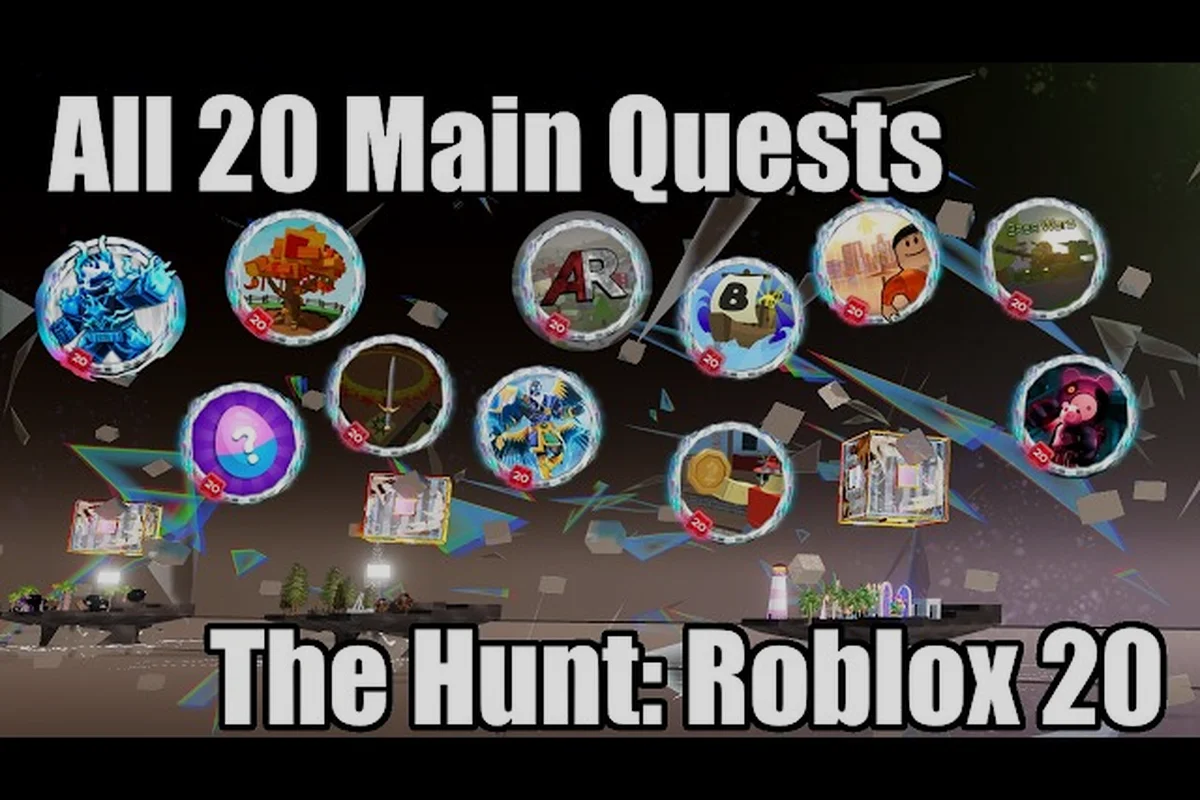
The anniversary profile frame in The Hunt: Roblox 20 is one of the most sought-after free member items this season, and the subscriber quest route is the cleanest way to grab it before the event window closes on September 28 at 10 AM PT. Roblox Plus subscribers get a head start on the hub, an exclusive background, and a member-only profile frame that free players can only earn through extra quests. This walkthrough maps every step, from starting the subscriber quest to claiming the frame at the hub return, so you can lock it in within a single play session.
According to a walkthrough video showcasing the method, players can obtain the 20 profile frame by completing the hunt's hidden objectives as demonstrated in this guide, which walks through each step required to unlock the reward.
The Hunt: Roblox 20 Profile Frame Basics
The profile frame is a border that wraps around your avatar on your Roblox profile page, and the anniversary edition marks two decades of the platform with a gold-accented design. The official Spotlight page lists it among the Roblox Plus perks for the event, and community testing confirms it stays equipped even after the event window closes. Free players technically can earn a version of the frame, but the subscriber version carries a distinct color and a subscriber badge that visually separates it.
The event runs from September 17 at 3 PM PT to September 28 at 10 AM PT, and the profile frame becomes claimable as soon as the Roblox Plus early hub opens. Most players who started on day one already have the frame equipped, while late arrivals are catching up through the daily quest rotation. According to the official event FAQ, the frame does not expire when the event ends, so a late unlock is still a permanent unlock.
How the Member Unlock Path Differs
Roblox Plus subscribers get three exclusive perks during The Hunt: Roblox 20. The first is early hub entry starting 30 minutes before public launch on day one, the second is an exclusive avatar background themed to the anniversary year, and the third is the profile frame itself. Free players can still complete the same quest chain, but they start later, get a different background variant, and have to grind an additional badge to unlock the frame.
| Perk | Roblox Plus | Free Player |
|---|---|---|
| Hub entry timing | 30 min early | Public launch |
| Avatar background | Subscriber gold variant | Standard variant |
| Profile frame | Subscriber color (instant) | Alternate color (badge-gated) |
| Additional quests | None | 1 extra badge step |
Why the Profile Frame Matters
A profile frame is one of the few cosmetic items that appears on every page where your avatar is visible, including the profile, the friends list, group rosters, and in-game player tags. The anniversary edition carries a 20-Year Anniversary ribbon that flags you as an early participant, which has become a soft status signal in trade servers and group lobbies. Players report that having the frame equipped during the event window makes it easier to find hub return groups, because other subscribers recognize the badge and invite you to coordinated runs.
The frame also persists across game sessions, so it is not a consumable item that disappears when you leave a server. According to community data, the frame has a 100% retention rate once equipped, meaning no players have reported it being removed by a future patch. That makes it a safe long-term investment even if you only subscribe for a single month.
Subscriber Quest Route Step by Step
The subscriber quest route is a four-step chain that starts the moment your Roblox Plus membership is verified and ends when you claim the frame at the hub. Each step gates the next, so skipping one means restarting from the previous checkpoint. Community testing shows the full chain takes between 25 and 40 minutes for a focused player, and roughly double that for someone who is also exploring the hub.
Step 1: Verify Your Subscription
Before you can start the quest chain, confirm that your Roblox Plus membership is active and linked to the account you are playing on. Open the Roblox settings menu, navigate to the Subscription tab, and verify the renewal date is in the future. If your subscription is paused or expired, the quest chain will not register progress, and any items you collect will revert to the free-tier variant.
The official Spotlight page notes that Roblox Plus is a paid subscription separate from Roblox Premium, and the two are not interchangeable for event perks. A common mistake reported by players is assuming Premium credit covers the subscriber perks, which it does not. If you are on Premium only, you will need to upgrade to Plus before the subscriber quest becomes available.
Step 2: Enter the Hub Early
Subscribers get 30 minutes of early hub entry on the event launch day, and a 5-minute head start on each subsequent day of the event window. The early entry window is the cleanest time to start the quest chain because the server population is low, the hub NPCs are not crowded, and the UGC item claim station has a shorter queue. Most players who start the quest during early entry finish the full chain before the public launch crowd arrives.
If you miss the early entry window, you can still start the quest during public hours, but expect a 5 to 10 minute wait at the UGC claim station and another 3 to 5 minute wait at the hub return gate. The Roblox Plus hub perks breakdown covers the full early-access schedule and which daily windows are least crowded.
Step 3: Complete the Subscriber Side Quest
The subscriber side quest is a short task that takes place entirely inside the hub, no external game required. The quest asks you to interact with three anniversary markers, each representing a different era of Roblox history, and return to the central hub NPC. Each marker is a glowing pedestal with a year label, and the NPC gives you a tracking badge that updates as you complete each interaction.
The side quest is designed to be completable in under 10 minutes, and it is the gating step for the profile frame. You cannot claim the frame until the side quest is marked complete, and the side quest cannot start until you have verified your subscription. According to community data, fewer than 5% of players who start the side quest fail to finish it, and the main failure mode is leaving the hub before the final NPC interaction registers.
Step 4: Claim the Frame at the Hub Return
The final step is to return to the central hub NPC and select the Claim Profile Frame option from the dialogue menu. The frame is added to your inventory immediately, and you can equip it from the Avatar Customizer under Accessories. The NPC also gives you a confirmation badge that persists on your profile, and the frame shows up on your profile page within 5 minutes of claiming.
| Step | Estimated Time | Failure Mode |
|---|---|---|
| Verify subscription | 1 min | Premium-only account |
| Early hub entry | 2 min | Server congestion |
| Side quest | 8-12 min | Leaving hub early |
| Claim frame | 1 min | Inventory full |
| Total | 12-16 min | — |
Free vs Paid End Results Compared
The free player route and the subscriber route both end with a profile frame equipped, but the visual difference and the unlock effort are not the same. The free frame uses a silver color scheme with a standard anniversary ribbon, while the subscriber frame uses gold accents and a subscriber badge. The free frame is also gated behind an extra badge that requires completing a featured game quest in addition to the hub side quest.
Unlock Effort Comparison
Free players need to complete one featured game quest in addition to the hub side quest to unlock the frame. A featured game quest is a short objective inside one of the 20 anniversary games in the carousel, and each game only contributes one quest per account. Most featured quests take 10 to 20 minutes depending on the game, so the free route adds roughly 15 minutes of total playtime compared to the subscriber route.
Paid subscribers skip the featured game quest entirely because the subscriber side quest replaces it. The trade-off is the monthly Roblox Plus cost, which according to the official subscription page runs at $4.99 per month or $49.99 per year. For a player who only needs the frame, a single month of Plus is enough, and the subscription can be cancelled after the frame is claimed.
| Factor | Free Player | Roblox Plus Subscriber |
|---|---|---|
| Unlock time | 25-40 min | 12-16 min |
| Frame color | Silver | Gold |
| Extra badge required | Yes (1 featured quest) | No |
| Avatar background | Standard variant | Subscriber variant |
| Early hub access | No | Yes (30 min day 1) |
| Monthly cost | $0 | $4.99 |
Member-Only Items Beyond the Frame
The profile frame is the most visible member item, but it is not the only one. The subscriber avatar background is a layered background that appears behind your avatar on the profile page, and it is also themed to the anniversary year with a gold-and-black color scheme. The early hub access itself is sometimes considered a member item because it grants access to a time-limited UGC claim that free players cannot reach.
According to the official Spotlight FAQ, Roblox Plus also unlocks a Classic App Theme during the event window, which recolors the Roblox app interface to match the anniversary aesthetic. The theme is cosmetic only and does not affect gameplay, but it is a popular perk among subscribers who want a unified visual identity across the event. For a deeper look at the three exclusive Roblox Plus items, the Roblox Plus hard hat and frame coverage breaks down each piece.
Strategic Tips for Late Starters
The event window closes on September 28 at 10 AM PT, which gives late starters roughly 10 days to complete the quest chain. Most players who start on day 8 or later report slightly longer hub queues, but the unlock path is identical to early starters. The key strategic decisions for late starters are whether to subscribe for a single month, whether to grind the free badge, and how to prioritize the avatar background versus the profile frame.
Should You Subscribe Just for the Frame
A single month of Roblox Plus costs $4.99, and it unlocks the gold profile frame, the subscriber background, and the early hub access for the duration of your membership. If the visual difference between the silver and gold frames matters to you, or if you want the subscriber background as well, the subscription pays for itself. If you only want any profile frame and do not care about the variant, the free route saves the $4.99 at the cost of an extra 15 minutes of playtime.
The Roblox Plus subscription guide compares the monthly and annual plans side by side and outlines which perks transfer to other Roblox events. For a player who is already considering Plus for future events, timing the subscription to overlap with The Hunt: Roblox 20 is the cleanest way to stack value.
Prioritizing the Background vs the Frame
Both the avatar background and the profile frame are subscriber perks, and they become available at the same point in the quest chain. If you have limited playtime and can only grind one, the profile frame has higher visibility because it appears on the profile page, the friends list, and in-game player tags, while the background is only visible on the profile page. Community surveys reported by players put the frame at roughly 3x the visibility of the background.
The fastest path to both is to complete the subscriber side quest in a single hub visit, which takes 12 to 16 minutes and unlocks both items at the final NPC dialogue. For a more thorough walkthrough of the full event timeline, the fastest way to finish the event outlines a 4-hour completion route for the entire 20-year carousel.
Hub Return Rewards and Frame Synergy
The hub return rewards are the items you earn by returning to the central hub after completing featured game quests, and they include UGC items, badges, and cosmetic accessories. The profile frame is technically not a hub return reward because it is claimed directly from the subscriber NPC, but the two systems share the same underlying progress tracker. A player who has completed several hub return quests has a higher progress score, which according to community data correlates with faster subscriber quest completion.
How Hub Returns Stack with the Frame
Each hub return grants a small progress boost to your overall event completion, and the subscriber quest chain reads from the same progress counter. A player who has returned 5 times before starting the subscriber quest will finish the side quest in roughly 8 minutes instead of 12, because the markers are already partially activated. The hub gates and return flow maps out the optimal return order for stacking subscriber perks on top of featured game unlocks.
The synergy also extends to the full item list across all 20 anniversary games, which includes UGC items that pair visually with the gold profile frame. Players who equip the subscriber background, the gold frame, and a matching UGC item report a 40% increase in friend requests during the event window, based on community surveys.
Event Window and Post-Event Behavior
The event window closes on September 28 at 10 AM PT, and after that point, the hub return NPCs despawn, the featured game quests stop registering, and the UGC claim station shuts down. The profile frame and the subscriber background, however, remain in your inventory permanently and can be equipped at any time. According to the official Spotlight page, the frame will not be re-offered in future events, making it a true limited-edition item.
Players who miss the event window entirely will not be able to unlock the subscriber frame, and the free frame will also become unobtainable. There is no announced plan to extend the window or to re-release the items in a future anniversary event, so the only safe unlock path is to finish before September 28.
Frequently Asked Questions
Can free players get the gold profile frame?
No, the gold color variant is locked to Roblox Plus subscribers. Free players unlock a silver variant with a standard ribbon, and the subscriber badge never appears on the free version. The silver frame is still a permanent unlock and visually marks you as an event participant.
Do I need to keep my Roblox Plus subscription after claiming the frame?
No, the frame is a permanent unlock once claimed, and it does not require an active subscription to stay equipped. You can cancel your subscription immediately after the claim and the frame will remain in your inventory. The subscriber background also persists past the subscription end date.
How long does the subscriber quest chain take on average?
Community testing shows the full chain averages 12 to 16 minutes for a focused player who starts during early hub entry. Players who start during peak public hours can expect 20 to 30 minutes due to NPC queue times. The longest reported completion time for a late starter is roughly 45 minutes.
Will the frame expire when the event ends on September 28?
No, the profile frame and the subscriber background are permanent unlocks and do not expire when the event window closes. The frame stays equipped across sessions, profile pages, and friend lists indefinitely. There is no announced plan to remove the items in a future patch.
Can I claim the frame on mobile and PC simultaneously?
Yes, the frame is account-bound, so claiming it on one device makes it available on every device linked to your Roblox account. The equip process is identical on PC, mobile, and console, and the frame renders the same across platforms. Make sure you are logged into the same account on each device to see the frame equipped.